LinkedIn-led discovery
Translate target functions, seniority, geography, and company constraints into a reviewable discovery brief.
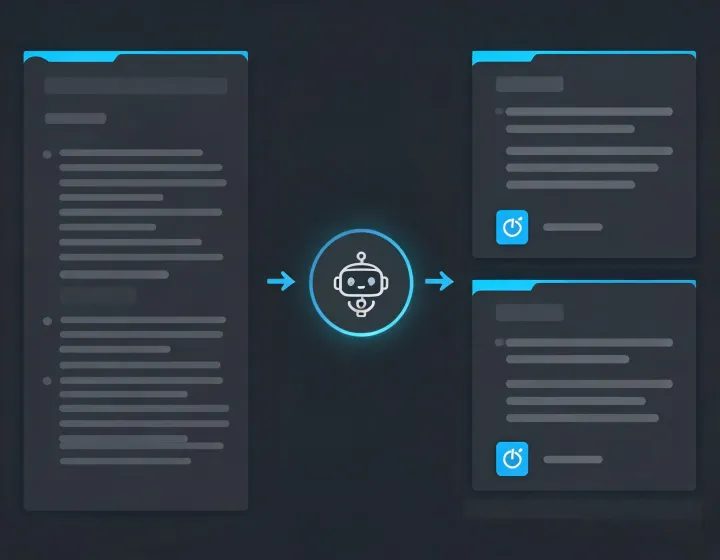
LinkedIn prospecting, agent-native
Give your agent an ICP, approved sources, exclusions, and a freshness window. Wiza organizes company context, professional identity, contact verification state, and the reasons each record needs human review.
View the four-step installFour-state runbook
npx -y @okki-global/okki-go-taroballThe clipboard changes; your environment does not.
Paste into a supported terminal, inspect the package prompt, and read the completion output.
Store API keys outside prompts and grant only the scopes required for the test.
Use known profiles to inspect identity, role, source date, exclusions, and unresolved fields.
Capabilities
Translate target functions, seniority, geography, and company constraints into a reviewable discovery brief.
Keep operating name, domain, role evidence, and conflicting attributes visible instead of collapsing uncertainty.
Separate a discovered address from its verification status; never treat a returned field as a delivery promise.
Route approved records to the next system only after relevance, suppression, opt-out, and regional checks.
Data behavior ledger
Config-dependent. Record provider terms, observation dates, field provenance, and permitted use.
Operator controlled. Keep tokens in a secret store, away from prompts, screenshots, exports, and shared logs.
Inspect locally. Review network calls, permission requests, retry behavior, and output destinations.
Policy required. Define access, correction, suppression, deletion, and audit ownership before production use.
FAQ
No. Copying only places the exact command in your clipboard. You must run it, inspect the package response, configure approved connections, and review a first result.
Use the secret mechanism provided by your runtime. Do not paste keys, cookies, or tokens into a prompt or repository.
No. Check identity, employment recency, role relevance, contact verification, suppression, lawful purpose, and opt-out handling.
No. Address state, SPF, DKIM, DMARC, sender reputation, message relevance, and mailbox behavior all affect delivery.